
RaffleDraw your winners live, with the whole room watching.
Add your prizes and everyone joins from their phone with their avatar. Then pick how winners are chosen: a live draw, where you draw each winner on the big screen, or spin to win, where every guest spins a prize wheel on their own phone.
Planning an event? Read the Event Playbook
Watch how it works
Raffle in half a minute.
Step 1 of 4
Pick live draw or spin to win
Every raffle starts with one choice: who decides when a prize is won. You pick it when you set the raffle up, and the rest of the setup is the same.
Live draw
You draw, the room watches
Everyone joins, then you press Draw a winner and a wheel of faces or a reel of names picks one person at a time on the big screen. Prizes go out in the order you listed them.
Best for: A moment the whole room shares: a gala, a party, the end of a conference.
Spin to win
Every guest spins on their phone
Each person spins a prize wheel on their own phone, once. The server decides every spin from a secret deck, so the odds follow the prizes you set and nobody can game it.
Best for: People coming and going: a stand at an expo, a launch, a long reception.
Step 2 of 4
Everyone joins from their phone
Add your prizes, with a photo and a sponsor if you like, then open entries. Guests scan the QR code on the big screen and type their name.
Every guest brings the avatar they play games with, so the wheel fills up with faces. The next prize and the winners so far stay on screen while people join.

Step 3 of 4
Live draw: winners on the big screen
Press Draw a winner and the wheel spins, or names roll past on a reel. The winner takes over the screen with confetti. In spin to win, there is nothing to press: each guest spins on their phone, and every win shows on the big screen as it happens.
Prizes go out in the order you listed them, and the server picks every winner, so nobody can steer it.

Run it from your console
Your own screen shows who is in, the next prize and every winner. The room never sees prize codes.
Not here?. Redraw, and the prize goes back for the next draw.
No phone?. Add anyone by name and they are in the draw too.

Step 4 of 4
Winners collect with a code
A winner's phone shows their prize and a code. They can email the code to themselves so it isn't lost.
When they come to collect, check the code on your console and mark the prize collected. Export your winners as a CSV when you're done.

Questions
Good to know
Live draw or spin to win
Live draw: you draw each winner on the big screen. Spin to win: each guest spins a prize wheel on their own phone, with the odds set by your prizes.
Wheel or name reel
Pick how the big screen reveals each winner: a spinning wheel of faces, or a reel of names that slows to a stop.
Prize photos and sponsors
Show what's up for grabs and thank the sponsor who gave it, right on the big screen.
Part of your event
A raffle sits on your event's link next to your live sessions, Challenges and Q&A.
Which plans include it?
Every paid plan, on a Personal or Business account. A Party Pass unlocks it for 24 hours, and Pro and Enterprise keep it on.
Go further with a guide.
Ideas and how-tos from the Neegma blog.
Player avatars: a face on every leaderboard
How guests make an avatar in the lobby and where their faces show up.
Corporate event games that get people talking
Match each activity to arrivals, dinner or the evening social.
Experiences
Everything your event needs, on one link
Mix game shows with a Challenge, a Q&A and a prize draw. Guests find them all on your event's page.
Live sessions
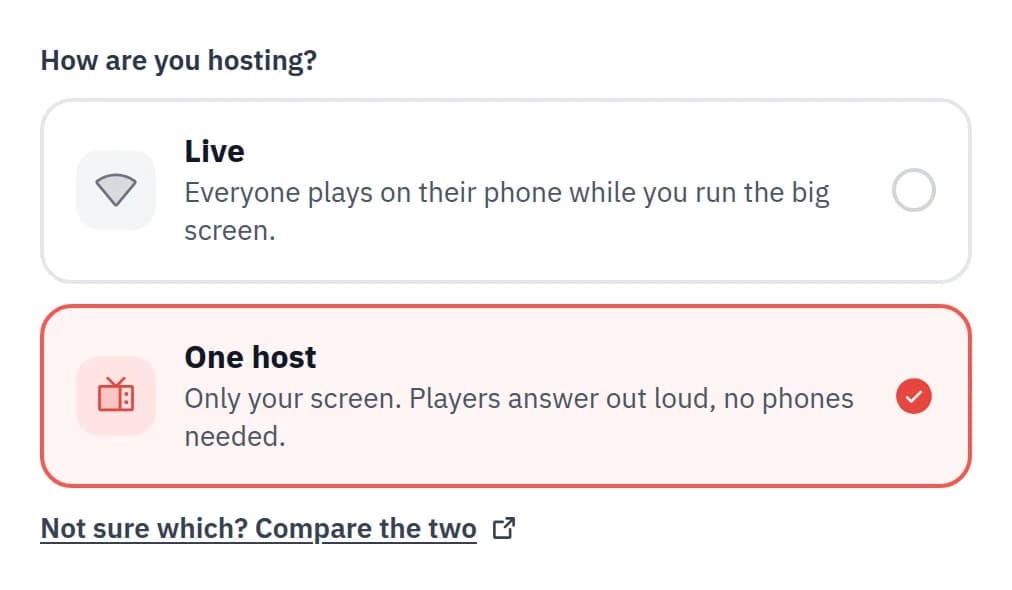
AvailableGame shows everyone plays from their own phone, with a live scoreboard.
One-host sessions
AvailableRun the whole game show from one screen. No phones needed.

Challenge
AvailableA quiz people play in their own time, with a leaderboard that stays up.

Live Q&A
AvailableQuestions and upvotes from every phone, moderated by you.
Raffle
You are herePrize draws on the big screen, or spin to win on every phone.

Speed Networking
Coming soonShort chats with everyone in the room, with question cards to break the ice.
The Event Playbook
8 steps to a great Neegma event
Create and schedule your event, share a QR poster, and keep every guest playing.